Understanding what the client needed
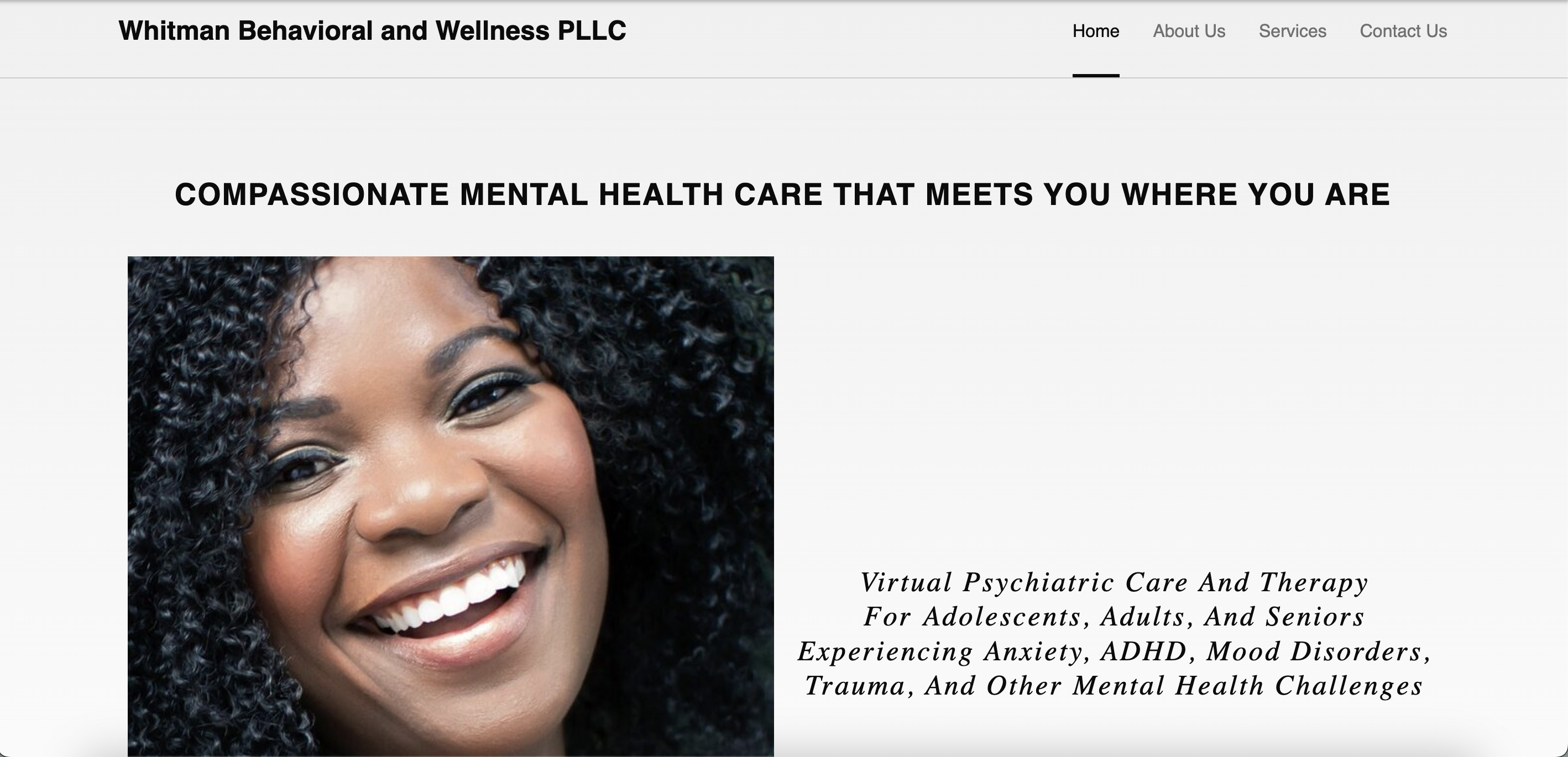
Before building anything, I first had to understand the purpose of the site. A website should not just exist to "look nice." It should solve a communication problem. In this case, the website needed to introduce the client professionally, present key information clearly, and make it easy for visitors to reach out.
This stage was important because it guided every other decision I made later. For example, the kind of pages I created, the order of information on those pages, and the type of form I added all depended on the client's goals.
Discovery
Business Goals
User Needs
Choosing a practical website stack
I used WordPress because it is fast to work with, flexible for business websites, and easier for non-developers to maintain after launch. That matters in real client work because the project does not end the moment the website goes live. The client may later want to update text, add new pages, or change contact details.
I hosted the site on AWS Lightsail, which gave me a cloud server environment without the complexity of building a hosting setup completely from scratch. This was a smart middle ground: professional enough for real deployment, but simple enough to manage efficiently.
Platform Choice
Cloud Hosting
Maintainability
Setting up the hosting environment
Once I chose the stack, I created the WordPress instance in AWS Lightsail. This is the step where the website gets its actual home online. Without hosting, a website design is just an idea. Hosting is what makes it real and accessible.
At this point, I had to make sure the server was running properly, WordPress was accessible, and the environment was ready for content and design work. This was part website setup and part infrastructure setup.
For non-technical readers: imagine renting a store space before decorating it. AWS Lightsail was the store space. WordPress was the system I used to arrange everything inside.
Deployment
Infrastructure
Environment Setup
Connecting the custom domain with DNS
After the site existed on the server, I connected it to the business domain. This is a very important part of real website work because a site is not complete if people can only find it through a temporary server address.
DNS work can be confusing, but the easiest way to explain it is this: it tells the internet where to send people when they type in the website name. I configured the domain records so the custom web address pointed to the hosted site correctly.
This stage also involved checking for common issues such as the site not loading, domain propagation delays, and link mismatches. It taught me that website deployment is not just visual design. Networking and configuration matter too.
DNS
Domain Mapping
Troubleshooting
Designing the layout and organizing the content
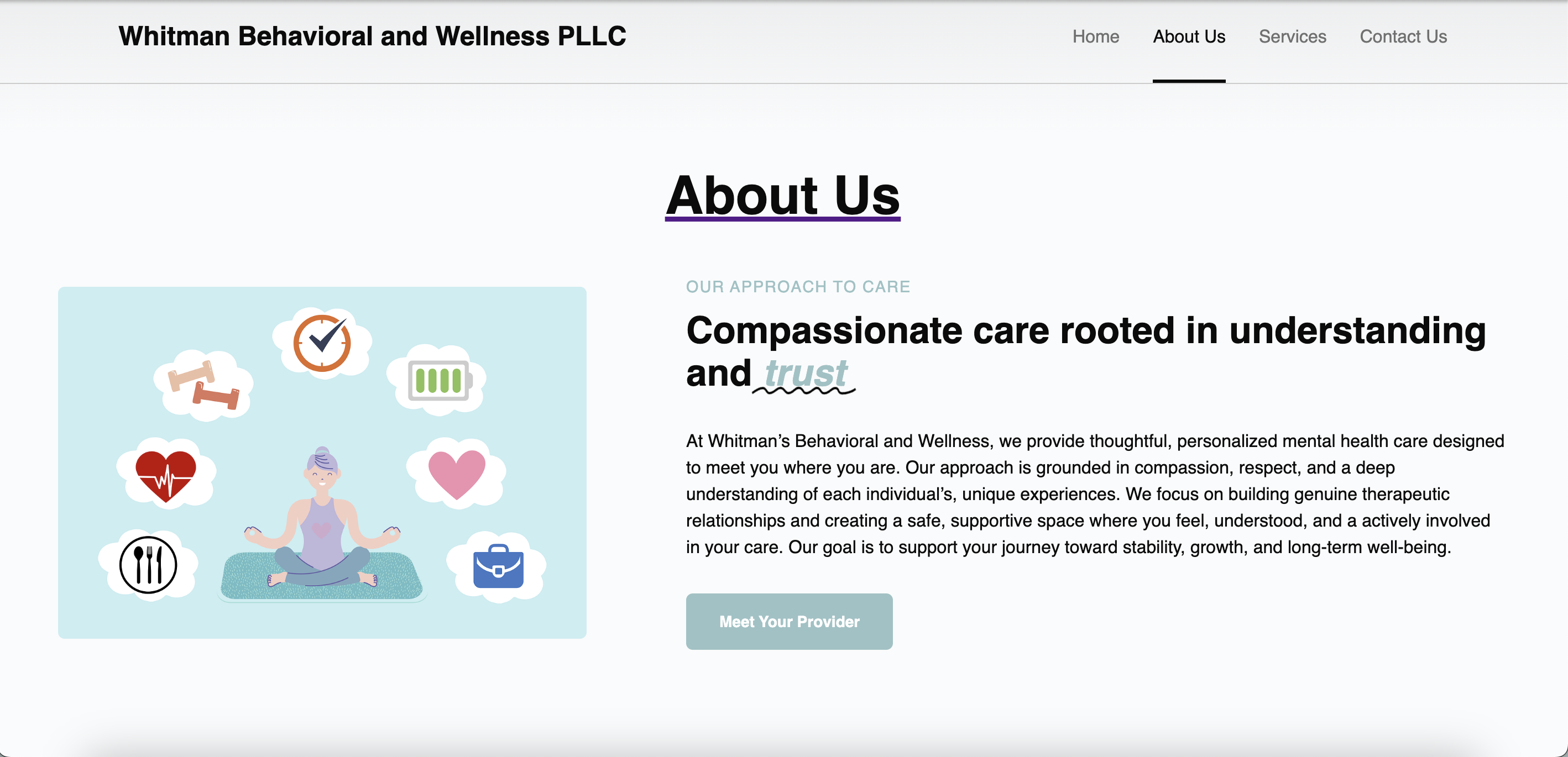
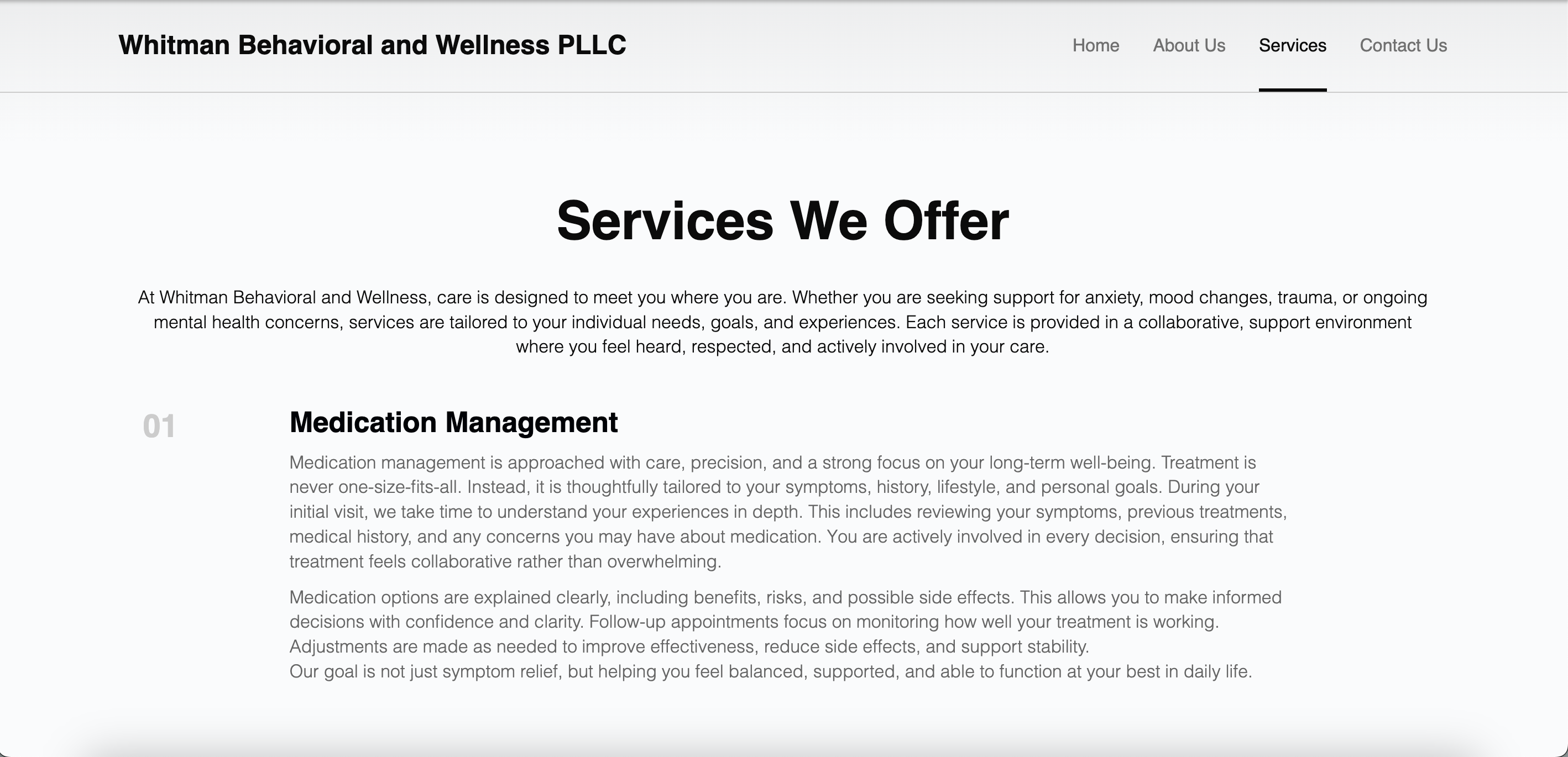
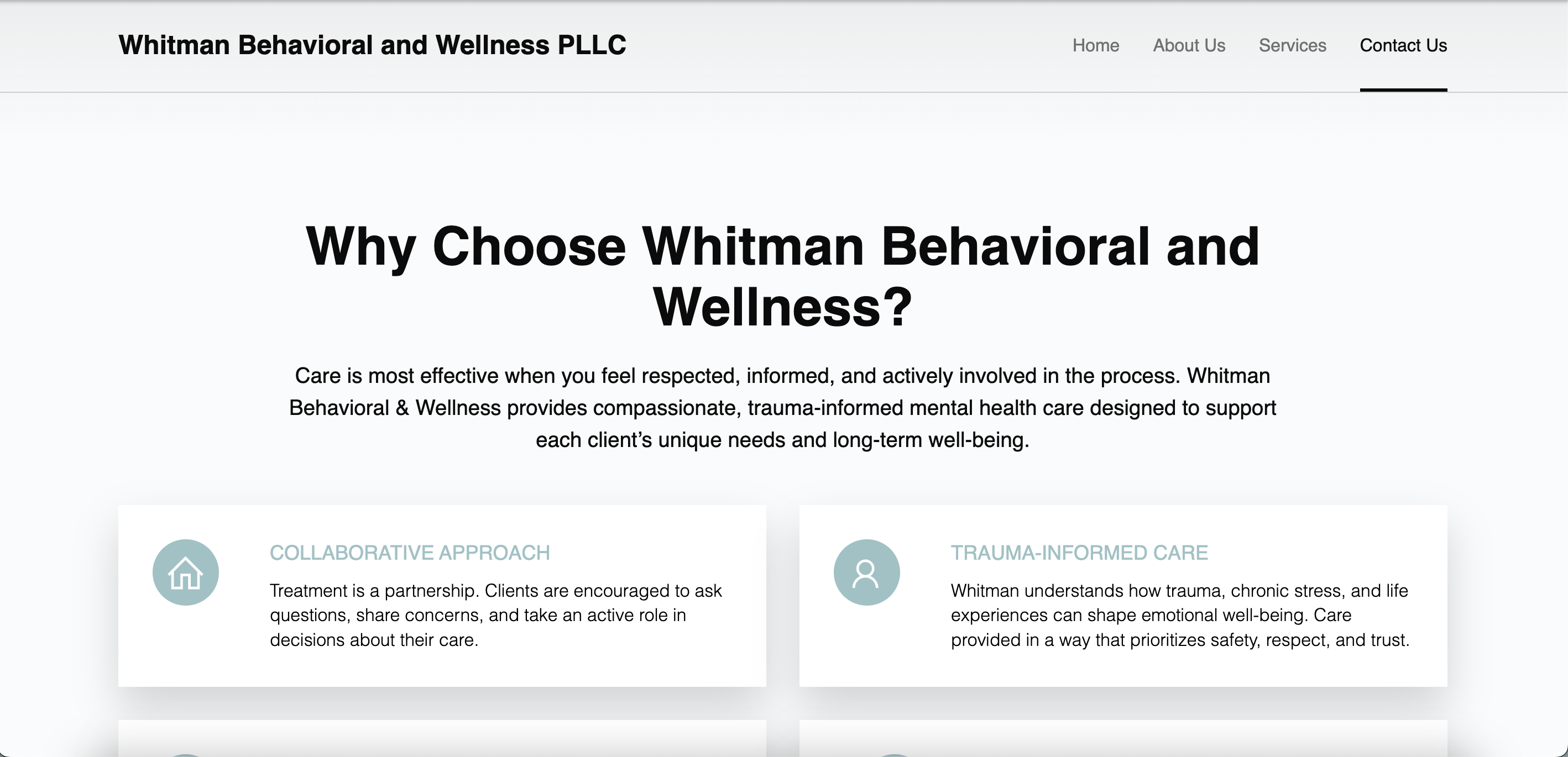
Once the website infrastructure was ready, I focused on the user experience. I created and arranged the main pages so visitors could move through the site naturally. Instead of dumping all the information in one place, I split the content into meaningful sections.
This included thinking about what a first-time visitor would need to know right away. For example: Who is this business? What does it offer? Why should I trust it? How do I contact them? Good website structure answers those questions without making the user work too hard.
I also paid attention to visual hierarchy, which simply means showing the most important information first. Headings, spacing, sections, and call-to-action areas all helped guide the user through the site.
UI/UX
Information Architecture
Content Design
Building the contact workflow
A business website should not only provide information. It should also help convert interest into action. That is why the contact section mattered so much.
I used the Forminator plugin to build a contact form so visitors could send their details directly through the site. That made the experience more convenient and professional than telling users to search for an email address manually.
This part of the project also made me think beyond the form itself. A form is only useful if the submission actually reaches the business owner in a practical way. So the real goal was not just to place fields on the page, but to support communication and follow-up.
Forms
Lead Capture
Business Workflow
Making sure the site worked well on different devices
People do not visit websites from one type of screen anymore. Some use phones, some use tablets, and some use laptops. Because of that, I tested the site layout on different screen sizes to make sure the content remained readable and the design still looked clean.
This matters because a site can look perfect on a desktop and still feel frustrating on a phone. Responsive design means the website adjusts so users do not have to zoom in, struggle to tap buttons, or read cluttered content.
Responsive Design
Mobile Experience
Usability Testing
Troubleshooting real deployment issues
One of the most valuable parts of the project was solving the issues that came up during the build. In real-world tech work, projects almost never move from idea to launch with zero problems. Part of the job is knowing how to investigate what is wrong and fix it.
During this project, I worked through setup and connectivity issues related to areas like DNS, linking, page structure, plugin behavior, and general configuration. That experience strengthened my ability to not panic when something breaks, but instead work through the system step by step.
To me, this is one of the strongest signs of growth in a builder: not just making something when everything is easy, but getting it over the finish line when unexpected problems appear.
Debugging
Problem Solving
Production Readiness
Launching the website and thinking like an owner
Launching the site meant more than publishing pages. It meant making sure the experience was usable, the information was accurate, the domain worked, and the contact path was clear.
This final stage pushed me to think like both a developer and a business owner. A successful launch is not just about saying "the website is live." It is about asking whether the site actually serves the people who need it.
Go Live
Quality Check
Client Delivery